


01 · Organize
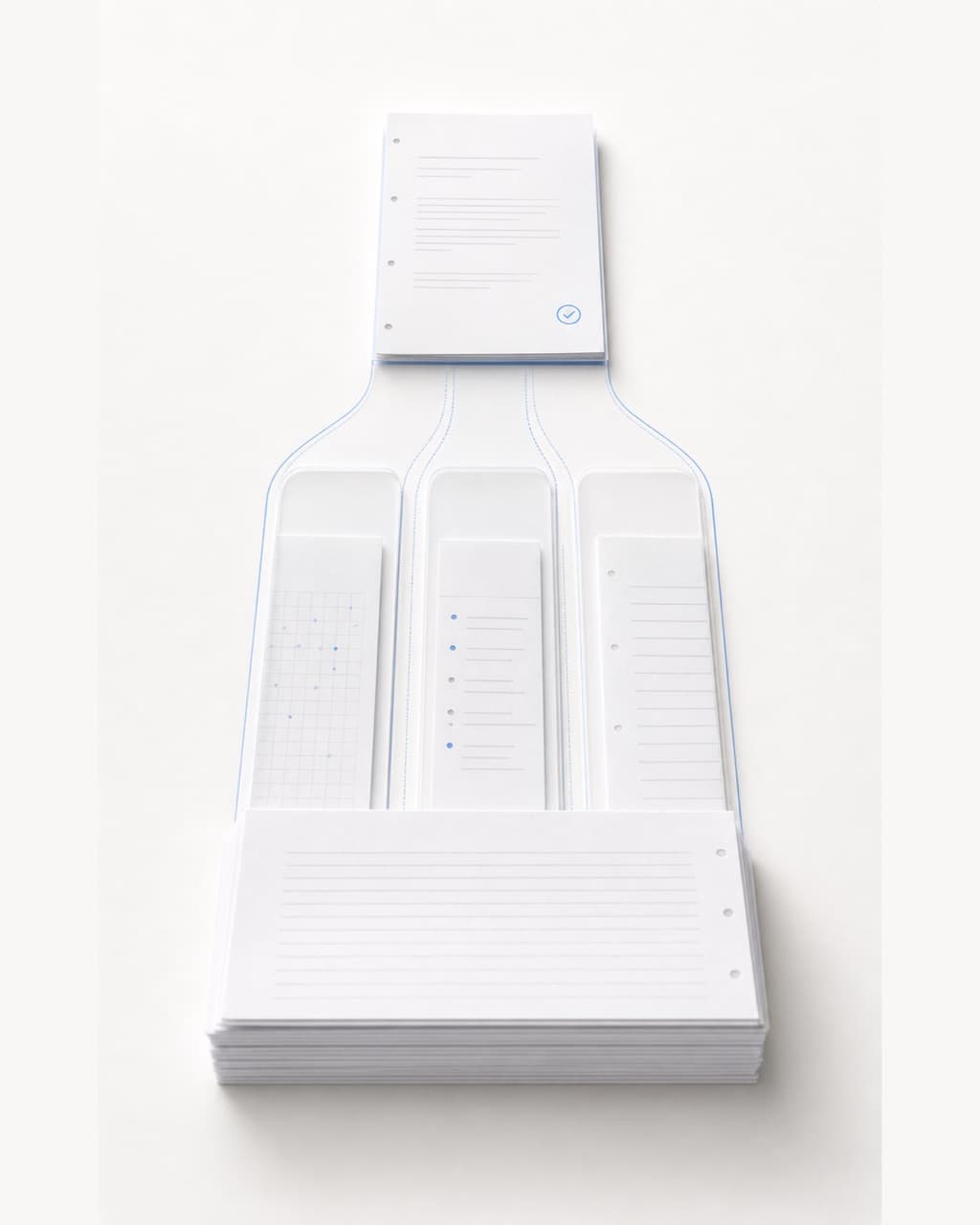
Split students and put every page in order
Review detected page groups, reorder sheets, and confirm student boundaries before any grading begins.

Less grading. More teaching.
Batch grading
Evidence review
Class analytics
One connected grading flow
GradeOS keeps answer sheets, rubric decisions, evidence, review state, and publication state connected in one teacher-controlled path.
Intake
Upload PDFs or page photos once. GradeOS keeps the original material visible while it prepares the run.
Teachers review the result and decide what is published.

Original work visible
Original answer sheets remain beside the grading result.
Rubric linked
Each decision stays tied to the criterion it applies.
Review before publish
Teachers can inspect and correct results before publication.
Data rights
Privacy and account-deletion paths are documented.
Read privacyFrom batch to classroom
This is the real grading task—not another feature list. Follow the input, system work, teacher review, and classroom use as one connected path.
Explore the product01 · Organize
Review detected page groups, reorder sheets, and confirm student boundaries before any grading begins.
02 · Teacher review
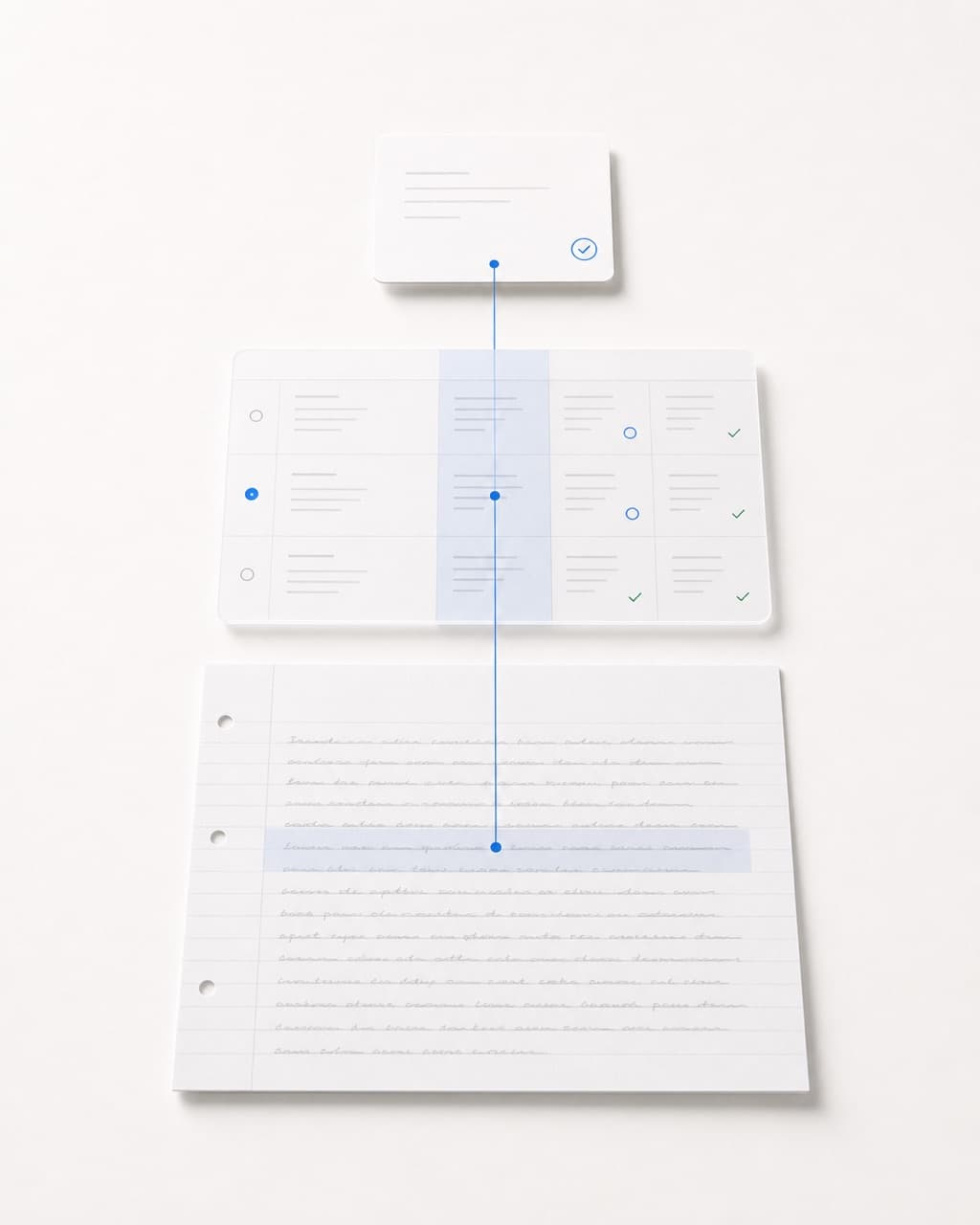
Teachers review the highest-impact decisions with the original response and evidence-linked criteria side by side.

03 · Class signals
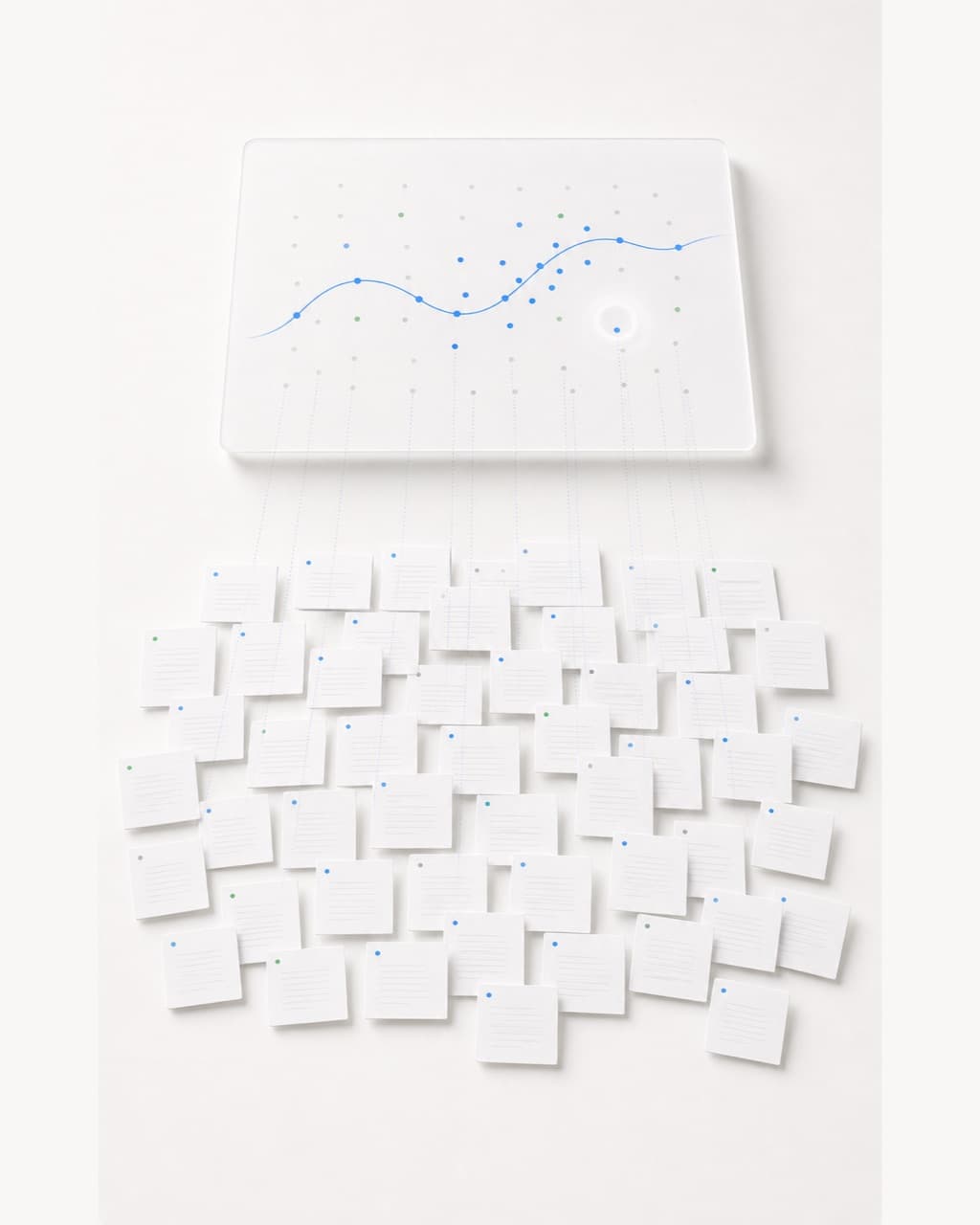
Question friction, point loss, confidence, and review queues become clear at class level after confirmation.

Teacher Assistant
Query the live batch context, inspect the visible tool trace, and keep every action proposal subject to teacher confirmation.
Open the assistant demoThe visible trace summarizes planning, tool use, and GradeOS data retrieval while the answer is assembled.

Teacher control and data rights
Trust comes from control points visible in the product: original material, teacher review, separate publication, and public privacy and support guidance.
Answer sheets, page order, and student boundaries can be checked before grading and revisited during review.
Teachers inspect high-impact results, evidence, and rubric points first; only then do they decide what to publish.
Account and data guidance is not hidden inside sales copy. Teachers can read it directly or make a request.
Back to teaching
Question friction, point-loss patterns, and review queues enter the class view only after teacher confirmation, helping plan review and reteaching.

